
Audio briefings - Signed in
Can you study RemoteNurse without a screen?
Yes. Study Studio turns a career track into audio you can work through away from a screen. There is a seat for each of the 16 desks RemoteNurse covers. You pick one and listen to its explainers and practice calls, and an explainer ends with a recall question on what you kept.
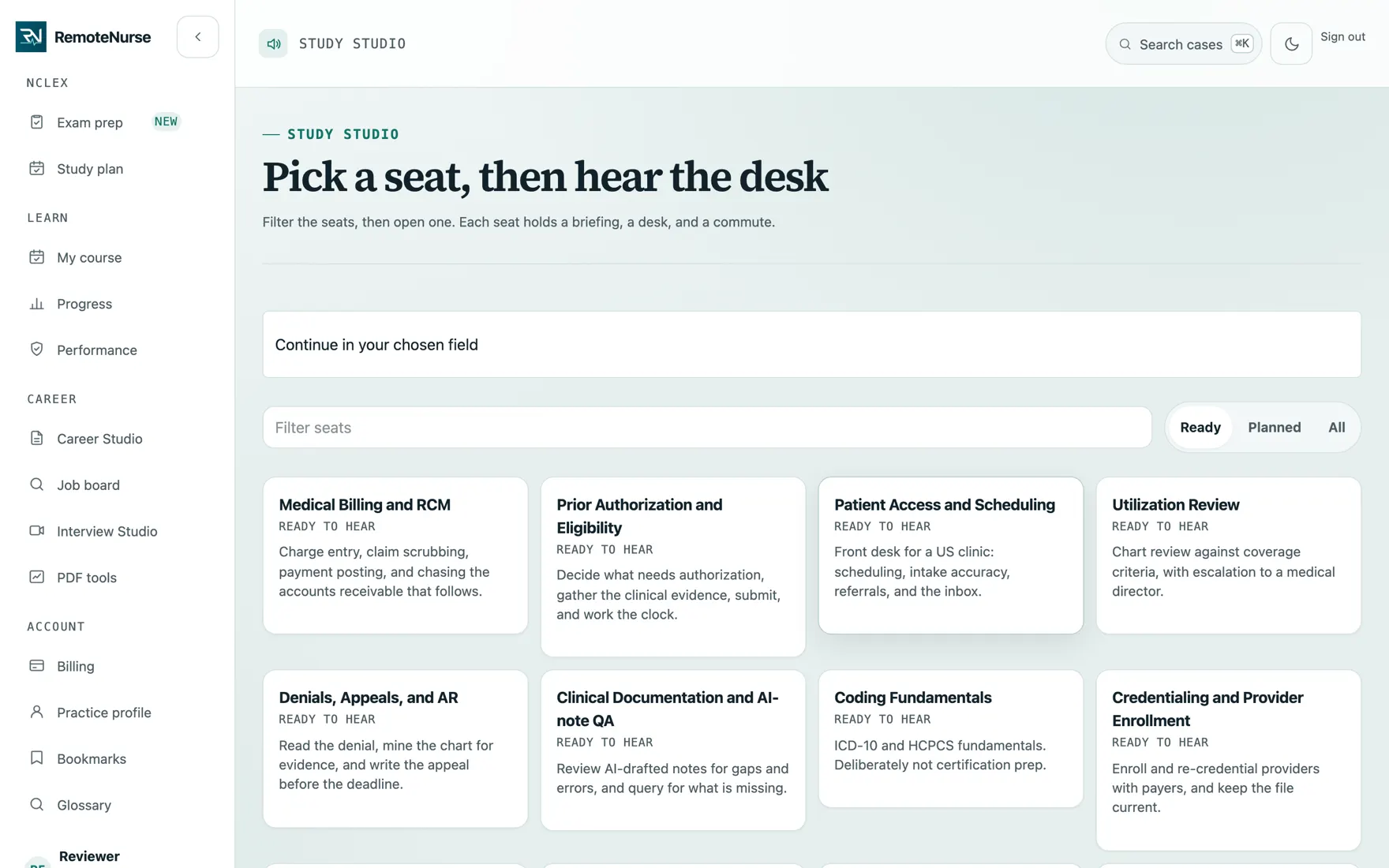
What you are looking at
- Pick a seat, and it assembles the briefing for that desk
- Listen away from a screen, then answer a recall question
- Each item links to the lesson it covers
How you use it
- 01
Filter the seats
Every seat maps to one of the career desks - billing and RCM, prior authorization, patient access, utilization review, credentialing, and the rest. Filter by what is ready to hear.
- 02
Open a seat
Each seat holds a briefing, a desk walkthrough, and a commute-length version.
- 03
Listen
Work through it on a commute, a walk, or anywhere a screen is not practical.
- 04
Check what you kept
An explainer ends with a recall question from its lesson, and every item links back to the lesson it covers.
What is included
- A seat for each of the 16 career desks
- Briefing, desk walkthrough, and commute-length cuts
- Ready and planned seats labeled honestly, so nothing is oversold
- A recall question after each explainer
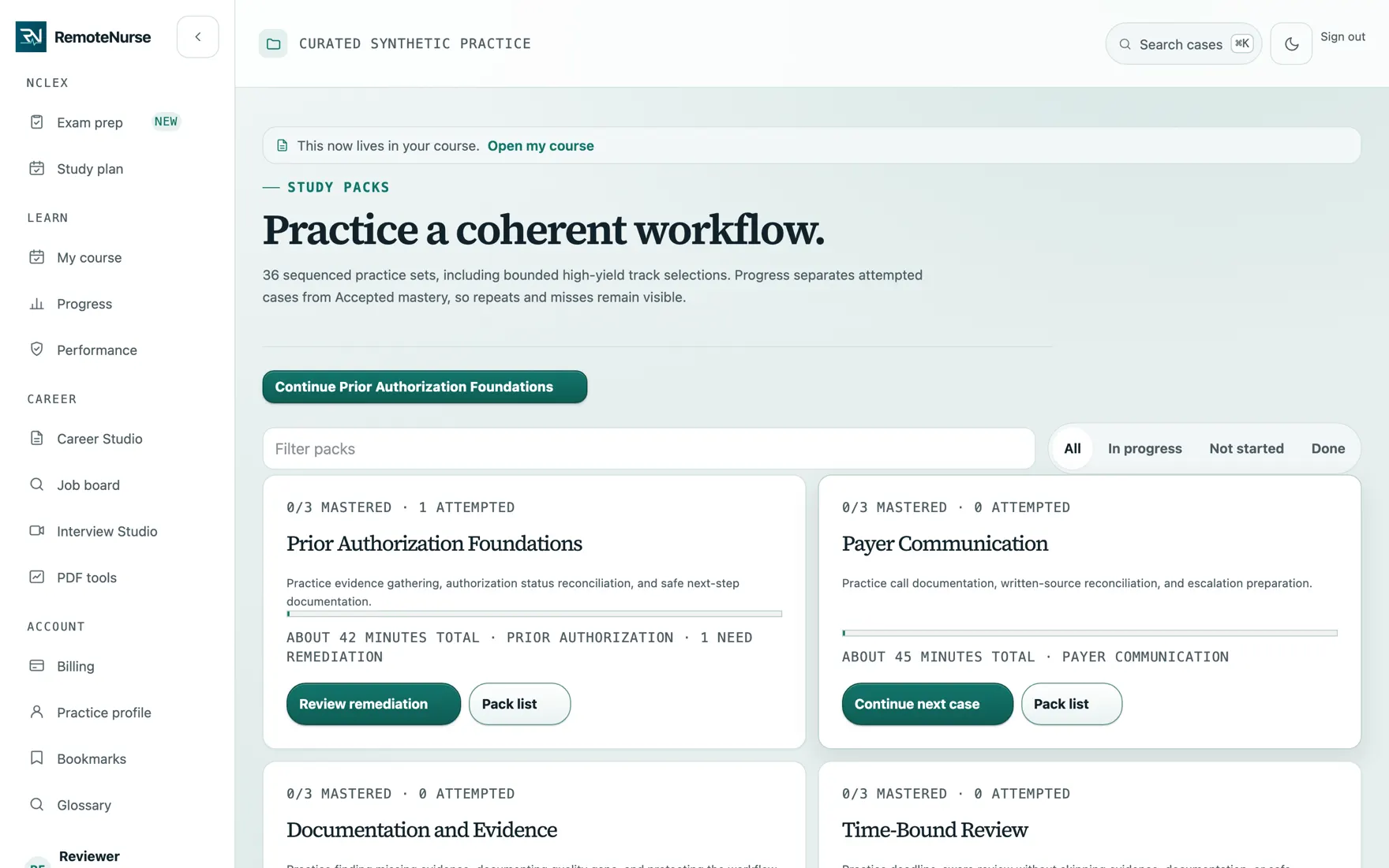
- Study packs that sequence cases into one workflow
Plan: Signed in. See pricing for what Free and Plus each include.
Common questions
Is the audio a real voice?
Briefings are synthesized, and audio is only published after a listening review. Seats that are not ready are labeled planned rather than presented as available.
Can I listen offline?
In the iPhone app, yes: you can download items to the device and listen without a connection. The app is on the App Store as Medical VA & NCLEX RemoteNurse.
Does listening count as practice?
It counts as study, not as evidence. Only scored cases build the readiness record.
See the rest
Learn
A library of 440 short lessons covering the rules a medical VA is paid to apply, scheduled so you meet each one again just before you would forget it.
See how it works Practice casesCase Lab
A catalog of 442 made-up patient cases across 21 tracks. You pick one, read the paperwork, and decide what a real desk would do next.
See how it works Phone practiceCall Desk
Much of this job happens on a call with an insurer. Call Desk plays a scripted line with a made-up payer so you can rehearse asking the right questions.
See how it worksReady to try it?
Create a free login and start with one safe case. No card needed.
Start free