Pick a direction - Free, no login needed
How do you choose which medical VA role to train for?
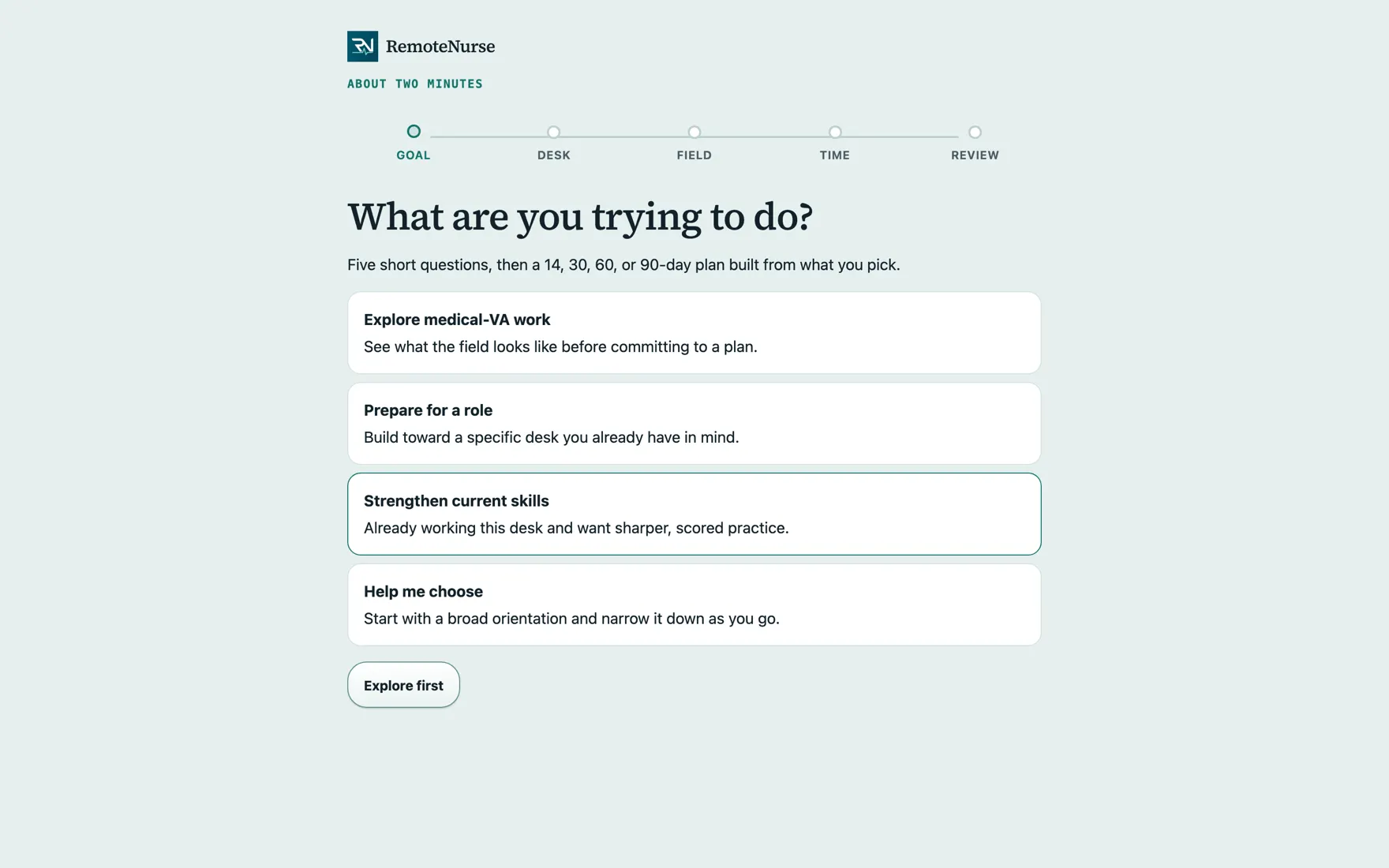
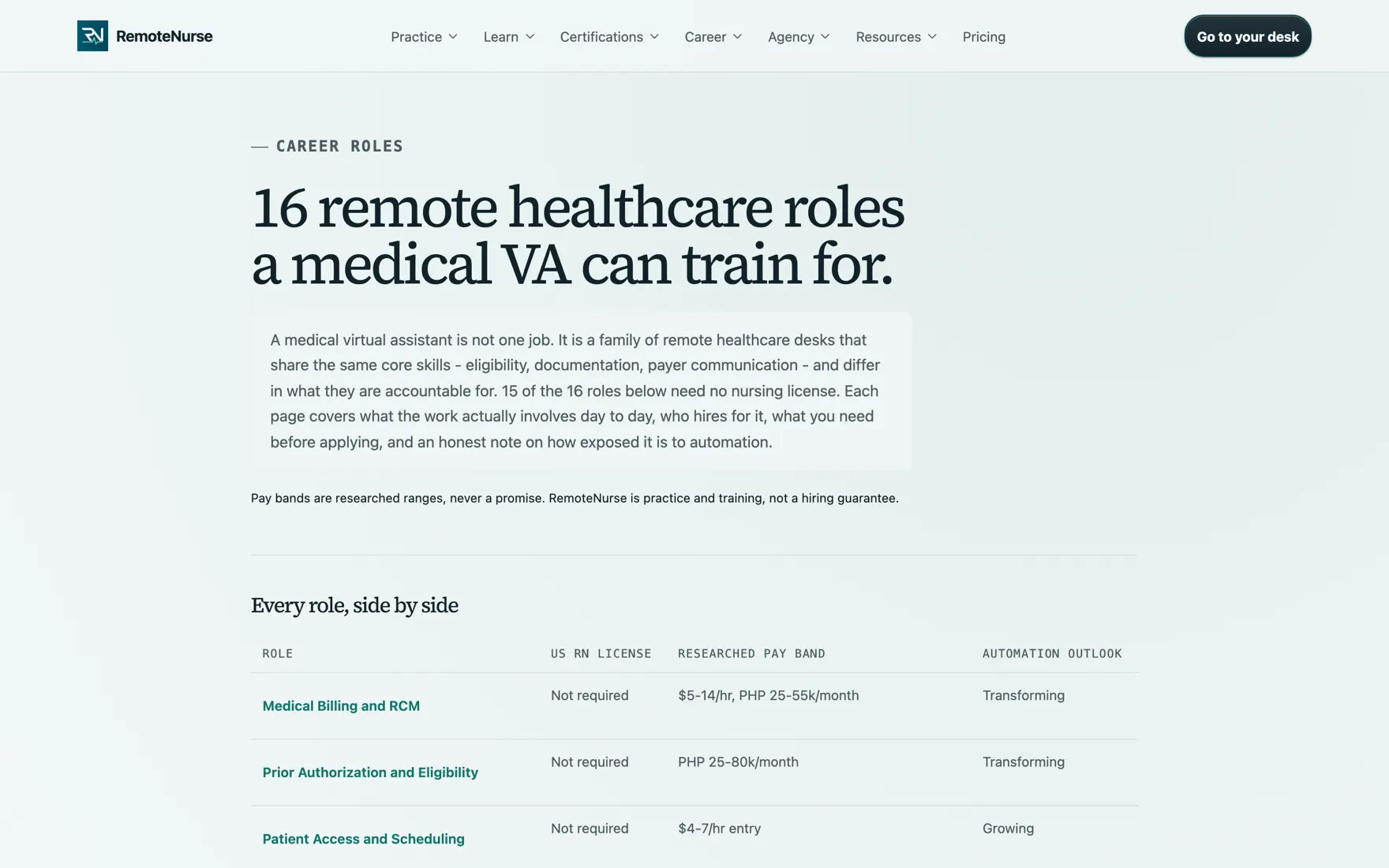
RemoteNurse has a short planner that asks about your goal and where you are starting, lists the fields in the order that suits that background, and lets you pick one. It then asks about your weekly hours and experience and lays out a day-by-day study plan for that field, starting with the first day's tasks. It is a starting point rather than an assessment, and every field it lists has a public role page stating its license requirement, researched pay band, and automation outlook.
What you are looking at
- A few short questions, then a list of fields ordered for where you are starting
- A plan sized to the hours you can give it
- Every field it lists has a public role page you can read first
How you use it
- 01
Say what you are aiming for
NCLEX, medical-VA work, both, or career first. NCLEX and career send you straight to the right place in the app.
- 02
Say where you are starting
Bedside nurse, healthcare BPO, billing or coding, front office, educator, or something else. This changes the order the fields are listed in.
- 03
Pick a field
Choose the desk you want to train for. The plan is built from the lessons and cases already shipped for that field.
- 04
Say what you can commit
Hours per week, how much of this work you have done, your study days and a typical session length. A plan built on time you do not have is worse than no plan.
- 05
Review the plan and start
It shows the plan's length and the first day's tasks. Create an account or sign in to save it to your desk.
What is included
- Fields ordered for your background
- A day-by-day plan sized to your weekly hours
- The first day's tasks, named up front
- A researched pay band and automation outlook on each field's role page
- A public role page for every field it lists
- No account needed to answer the questions
Plan: Free, no login needed. See pricing for what Free and Plus each include.
Common questions
Is this an assessment?
No. It is a starting point built from what you tell it. Nothing about it scores you, and you can change the field at any time.
Can I change desk later?
Yes, and plenty of people do. The core skills - eligibility, documentation, payer communication - carry across most of these roles, so time spent is rarely wasted.
See the rest
Job board
Remote and on-site nursing and medical VA openings in one filterable list, plus visa-sponsorship jobs abroad, each linking out to the employer's own application.
See how it works LessonsLearn
A library of 440 short lessons covering the rules a medical VA is paid to apply, scheduled so you meet each one again just before you would forget it.
See how it works Practice casesCase Lab
A catalog of 442 made-up patient cases across 21 tracks. You pick one, read the paperwork, and decide what a real desk would do next.
See how it worksReady to try it?
This one is open to everyone. No account, no card.